
Meta tag generator.
Fill in your page's title, description, URL and image. Copy the Open Graph, Twitter card and canonical tags, and see the link preview on six platforms before you publish.
No image yet?
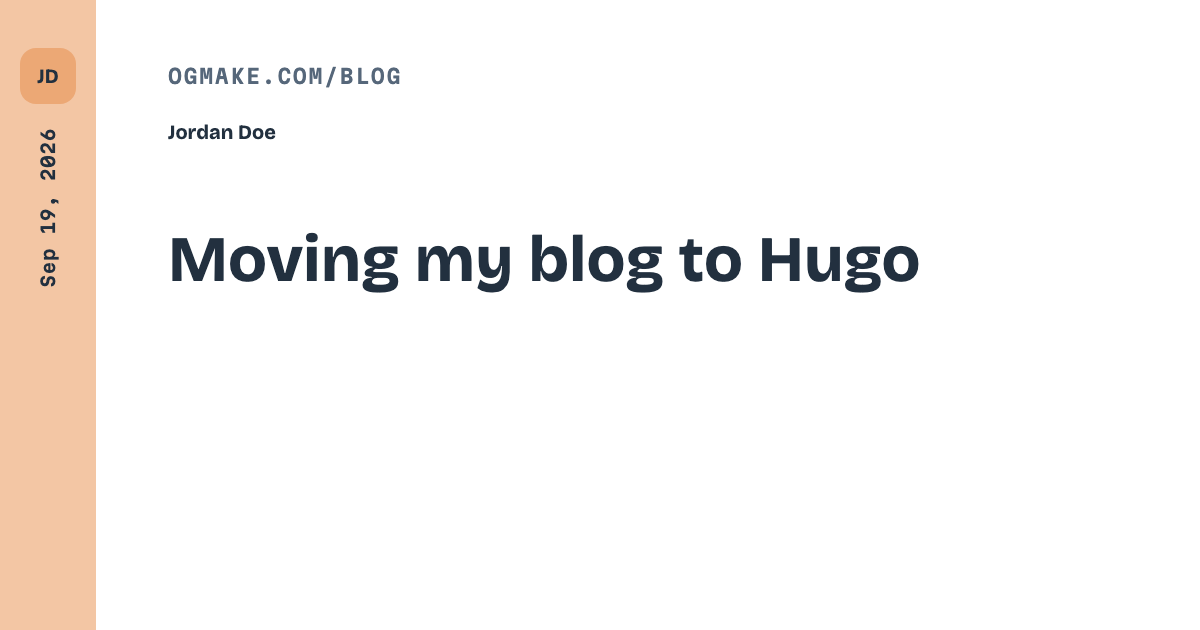
Link previews without an image get skipped. Generate a 1200×630 card with ogmake, then paste its URL above.
Generate this imageCOPY INTO YOUR <HEAD>
<title>Ship link previews that get clicked</title>
<meta name="description" content="A short summary of the page, written for the person deciding whether to open it." />
<link rel="canonical" href="https://example.com/blog/link-previews" />
<meta property="og:type" content="website" />
<meta property="og:title" content="Ship link previews that get clicked" />
<meta property="og:description" content="A short summary of the page, written for the person deciding whether to open it." />
<meta property="og:url" content="https://example.com/blog/link-previews" />
<meta property="og:site_name" content="Example" />
<meta name="twitter:card" content="summary_large_image" />
<meta name="twitter:title" content="Ship link previews that get clicked" />
<meta name="twitter:description" content="A short summary of the page, written for the person deciding whether to open it." />
PREVIEWS
Ship link previews that get clicked
A short summary of the page, written for the person deciding whether to open it.
example.com
twitter:card = summary_large_image. Image cropped to 2:1.
Ship link previews that get clicked
A short summary of the page, written for the person deciding whether to open it.
twitter:card = summary. Small square thumbnail beside the text.
example.com
Ship link previews that get clicked
A short summary of the page, written for the person deciding whether to open it.
Image at 1.91:1, then host, title and a short description.
Ship link previews that get clicked
example.com
Image at 1.91:1, title and host. No description in the feed.
Example
Ship link previews that get clicked
A short summary of the page, written for the person deciding whether to open it.
Site name, linked title, description and a small image at the side.
Example
Ship link previews that get clicked
A short summary of the page, written for the person deciding whether to open it.
Dark embed with an accent bar and the image under the text.
What these tags do
When someone pastes your link into a chat or a post, the app fetches the page and reads a few
<meta> tags to build the card: og:title,
og:description and og:image from the Open Graph protocol, plus
twitter:card so X picks the large-image layout. The canonical link
and og:url tell every platform which address is the real one.
- Title: under about 70 characters, so no platform cuts it.
- Description: one or two sentences, under about 125 characters.
- Image: 1200×630, an absolute https URL, under 300 KB.
- Where they go: the server-rendered
<head>of the page. Crawlers do not run scripts.
Already published? Check the live page to see what platforms actually read, or see why a link preview is not showing. Need the image? Make one with the free OG image generator or design it in the editor, or render one per page from a URL with the ogmake API.
Questions
What meta tags does a page need for link previews?
A title, a description, a canonical URL, and the Open Graph tags og:title, og:description, og:url and og:image. Add twitter:card so X shows the large image card. The generator writes all of them in one block for the <head>.
Which twitter:card value should I use?
Use summary_large_image for a full-width image at about 2:1, which is what a 1200x630 card gives you. Use summary only when you want a small square thumbnail beside the text.
How long should the title and description be?
Keep the title under about 70 characters and the description under about 125. Platforms cut text at different lengths, and the previews on this page show roughly where each one cuts.
Where do I paste the generated tags?
Inside the <head> of the page they describe, on the server-rendered HTML. Crawlers do not run JavaScript, so tags added by a script in the browser are not seen.
I do not have an image yet. What do I do?
Generate a 1200x630 card with ogmake: the free generator gives you a PNG in seconds, and the editor lets you design one with your title and description already filled in. Paste the hosted image URL back into the generator.